Notion has a reputation for being the tool everyone opens, fiddles with for a weekend, and then abandons. The reason is not Notion — it's setup. Building a useful Notion workspace from scratch requires decisions most people don't want to make: which databases to create, how to link them, which views to set up, which properties matter.
A Notion template solves exactly that. It makes those decisions for you. You open it, duplicate it, and start using it.
This guide covers the core Notion templates a freelancer or solopreneur actually needs, and how to evaluate a template before buying (or building) one.
The four Notion databases every freelancer needs
1. Client database
A table of everyone you work with or have worked with. Essential properties: name, status (prospect / active / past), email, contact person, industry, and a link to their associated projects.
Without this, your client information lives in email threads and your own memory. The database takes ten minutes to set up — and the linked view to projects is where the value compounds.
2. Project database
One row per project. Essential properties: name, client (linked to client database), status (not started / in progress / review / complete / invoiced), deadline, estimated hours, actual hours, and the contract or brief document.
The project database is where your work lives. A kanban view by status shows you everything in flight at a glance. A calendar view by deadline shows you what's due and when.
3. Invoice tracker
One row per invoice. Essential properties: invoice number, client (linked), project (linked), amount, status (draft / sent / overdue / paid), due date, paid date.
This is the database most freelancers wish they'd set up earlier. Filtering by "overdue" shows you every invoice that needs a follow-up. Filtering by "this month, paid" shows your actual income.
4. Task or to-do database
Optional at first, essential once your project load increases. One row per task. Properties: task name, project (linked), status, due date, estimated time, and notes. A today view (filter: due date = today, status ≠ done) becomes your daily working list.
How to evaluate a Notion template before you buy it
A good Notion template is not a pretty page with a few headers. It's a set of linked databases with views, filters, and properties already configured — so you open it and it works, without additional setup.
Before buying (or using) any Notion template, check:
Does it include linked databases? A client tracker that is just a table with no relation to projects is not a tracker — it's a list. The value of Notion is the linked structure. Make sure the template you buy has databases that reference each other.
Are the views already configured? Database views (kanban, calendar, gallery, list) take time to set up correctly. A template should include at least a table view and one status-based view for each database. If you have to configure all the views yourself, you're building, not using.
Can you duplicate it on the free plan? Most Notion templates work on the free plan. Check before buying.
The shortcut
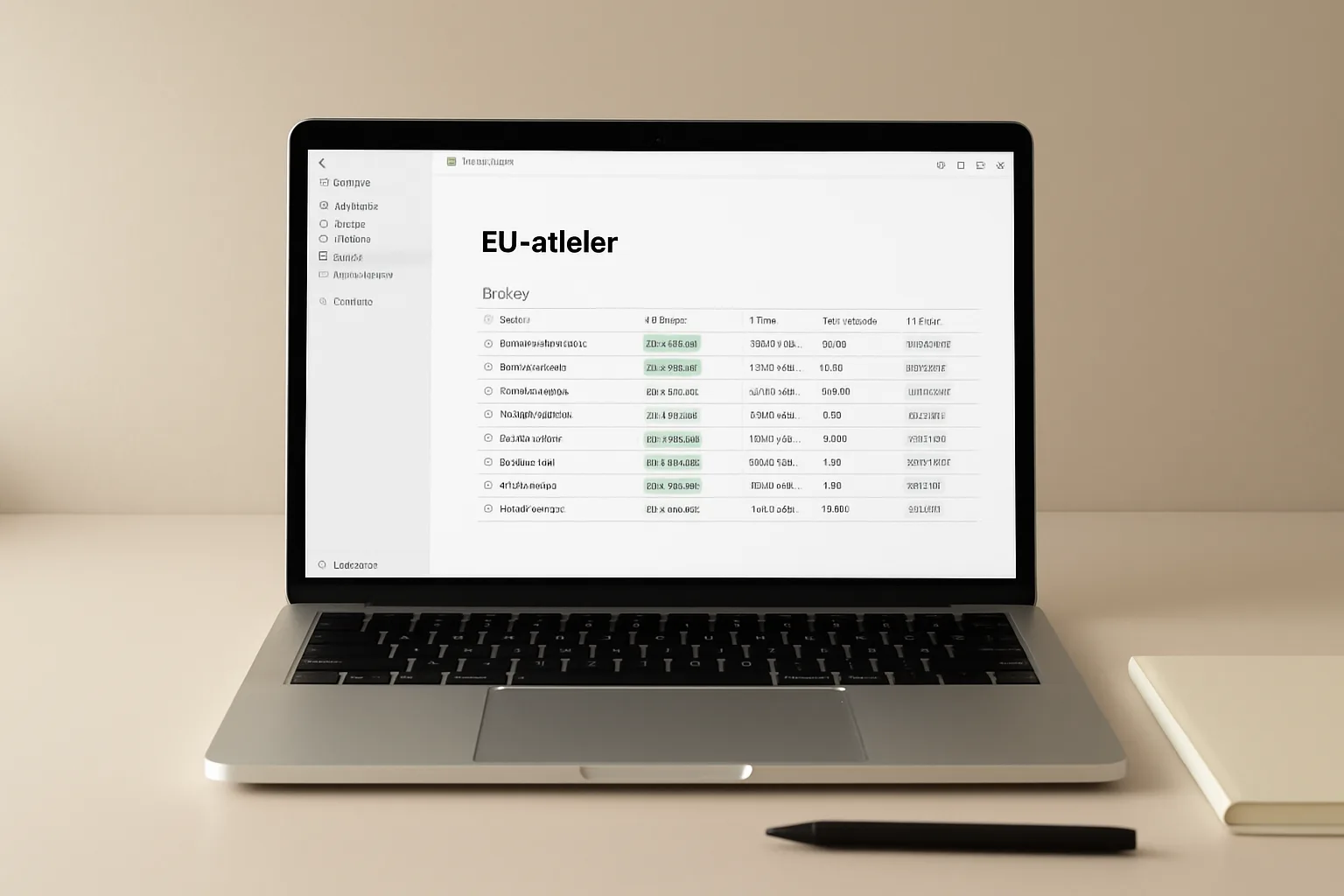
Our Freelance Client Tracker is a ready-to-use Notion template with four linked databases, multiple views, and pre-built filters. Duplicate it into your workspace in under a minute. Works on the Notion free plan.