Every EU freelancer and solopreneur reaches a point where "I'll update the website later" stops being a plan and becomes a problem. You're sending people to a site that doesn't represent you, or you don't have a site at all.
At that point, three options are in front of you. They cost differently, take differently, and constrain differently.
The three options
Option 1 — Use a website builder (Squarespace, Wix, Webflow, etc.)
What it is: A SaaS platform where you build and host your site using a visual drag-and-drop editor. No code required.
Cost: Typically €12–25/month for a professional plan, billed annually. So €144–300/year, indefinitely.
Time to launch: 1–4 days if you're focused.
What you control: The content within the platform's template and design system.
What you don't control: Your site's existence. If the platform changes pricing, closes, or removes features, your site is affected.
Best for: People with no tolerance for code, who want to maintain the site themselves frequently, and who don't mind the recurring cost and the platform dependency.
Watch out for: The "free plan" that adds platform branding to your URL. The monthly cost compounding over years. The export limitations if you ever want to move.
Option 2 — Hire an agency or freelance developer
What it is: Pay a professional to design and build your site for you.
Cost in France / EU: For a solo freelancer's portfolio site or a small business site, typical quotes run from €1,500 to €5,000+.
Time to launch: 4–12 weeks depending on scope and the agency's schedule.
What you control: The outcome (within the brief). Once delivered, you own the files.
Best for: Businesses with budget to match, complex requirements, or those who genuinely cannot invest any personal time into the site.
Watch out for: The quote growing past the initial number. The timeline slipping.
Option 3 — Use an HTML/CSS website template
What it is: A professionally designed HTML and CSS file set you download, edit, and host yourself.
Cost: Typically €15–60 for the template. Then your hosting (€3–10/month on a basic shared host).
Time to launch: 1–3 days if you're comfortable making basic edits.
What you control: Everything. The code is yours. You host it wherever you want.
Best for: Freelancers and solopreneurs who are comfortable opening a text file in a code editor, making basic edits, and uploading files to a hosting server.
How to decide
1. How much technical involvement are you willing to have?
- None at all → website builder
- Minor (can edit HTML/CSS, comfortable uploading files) → HTML template
- None, and budget exists → agency
2. Do you want to own the result outright with no ongoing platform dependency?
- Yes → HTML template or agency (confirm file ownership)
- No strong preference → website builder is fine
3. What's your time horizon for the site?
- Long-term (3+ years) → calculate the compounding cost of a website builder before choosing it
- Short-term or transitional → website builder is acceptable
- Need it live this week → HTML template is the fastest if you can edit code
A note on buying HTML templates
Not all HTML templates are equal. The two risks with cheaper or volume-marketplace templates are: (a) the code doesn't match the preview, or (b) the license isn't clear enough to know whether you can use it for a client project.
When buying an HTML template, check: Is there a live demo? What files are included? What's the license? Is there any documentation?
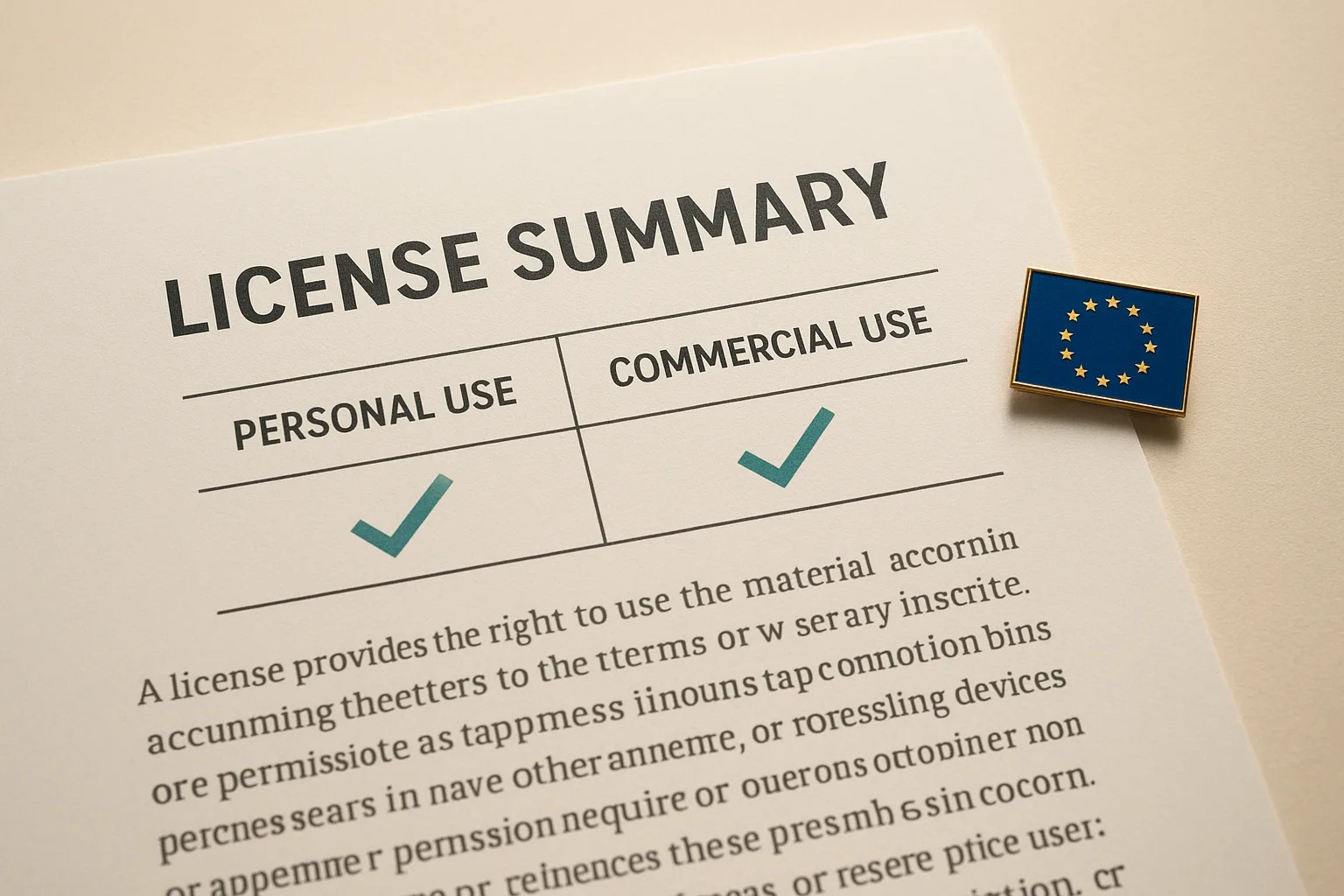
Our website template category has live demos for every product, files listed on each product page, and a plain-language license table that tells you exactly what personal and commercial use means.